Embedded Files
Marimba Festival 2020/2021
Marimba Festival 2020/2021
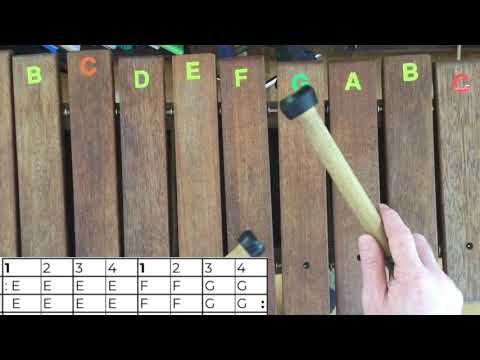
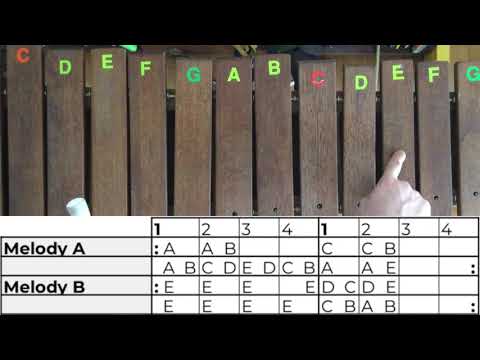
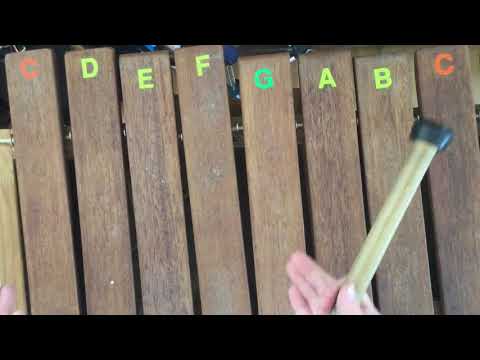
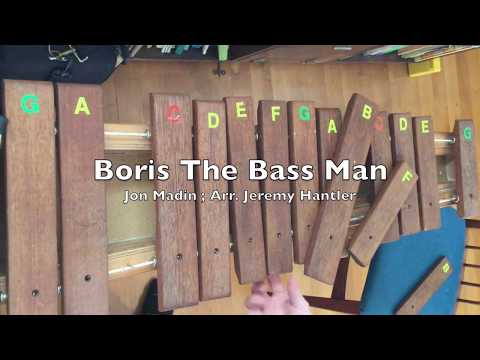
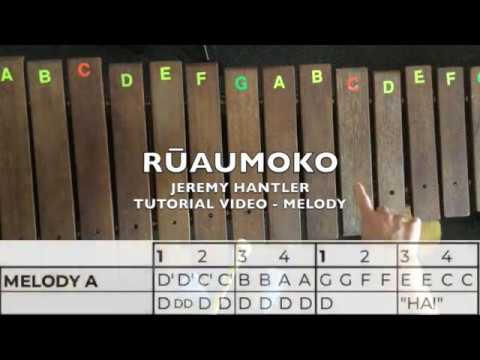
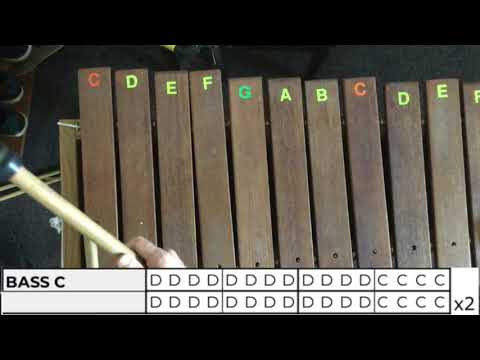
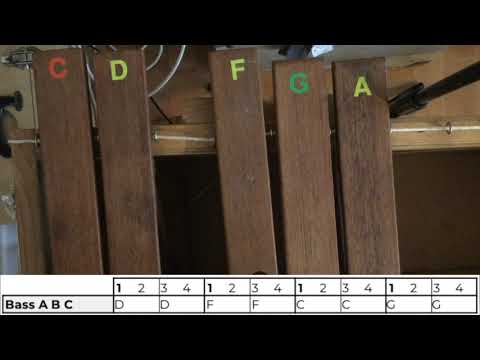
This section is for learning songs for the Marimba Festival. If you don't have an instrument to practise on, you could make up a fake one with cardboard or use a keyboard or xylophone app, like the ones I have added below.
Each slide has audio of practice tracks- just click on the audio icon.
Scroll down for Mr Hantler's lesson videos.

Explore the features of this virtual xylophone and have some fun.
For our marimba pieces you will need to use the default scale and you can change the note colour to brown in view options. Play using the numbers on your keyboard, using both hands as you would if you had two mallets

You could also use shared piano.
Change the instrument name from piano to marimba.
In settings, change Octaves to 3 and Note Names to show.
You can share the link to invite others to join your room and practise your pieces together. If you still need to look at your music or cheat sheets, you can print copies from the music slides below. Or you could split your screen and have the slides and piano open at the same time.


Page updated
Google Sites
Report abuse