Welcome to the Tech Tools for Novelty and Whimsy Extended Date!
Welcome to the Tech Tools for Novelty and Whimsy Extended Date!
Spin the Wheel!
Spin the Wheel to choose an App or Tech Tool to start your learning!
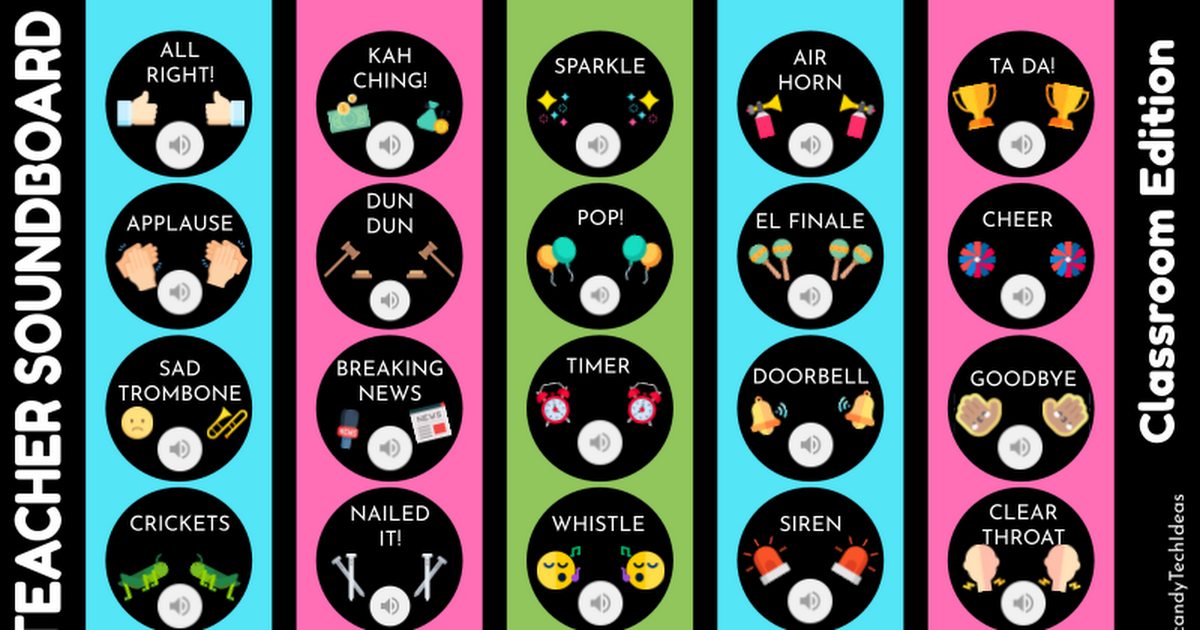
Candace Buchanan @candyTechIdeas created these amazing soundboards. Imagine the possibilities! A YAY YAYEE at just the right moment is sure to brighten the mood. And a well placed dramatic YAWN is sure to get a few grins!
Try out the 3 different sounds boards! They are SOOO much fun!

Turn yourself into a super fun gif with the Gif Gab app to add a touch of whimsy to any digital assignment or presentation! Create your gif in the app and download to use just about ANYWHERE!
This one is for teacher creation ONLY! Some parts of the app are not intended for children.
Turn any phrase, bit of directions, or small amount of text into an audio clip read aloud by your favorite characters from Morgan Freeman to Mickey Mouse and MORE ... your students are SURE to ♥️ Fake You!
 vocodes_cedb91d9-12ca-4d84-9e70-859f030d6263.wav
Thanos reading Robert Frost's The Road Not Taken.
Watch how easy it is to create and use the sound clips!


With Spinner Wheel you can create up to 8 custom random choice wheels on one screen. Wheels can include images and the wheels can be spun independently or at the same time.
Spinner Wheel is SOOO easy to use. But if you need help just scroll down to the bottom of the Spinner Wheel page to get step by step directions.
Turn the hit word puzzle game into an engaging vocabulary word challenge in the classroom. Use a custom Wordle generator to create daily challenges to match your content area!
My favorite custom Wordle generator right now is mywordle.strivemath.com. Choose ANY word you want and simply share the custom link with your students!
Be careful, you might get hooked!

👈Return to Speed Dates